
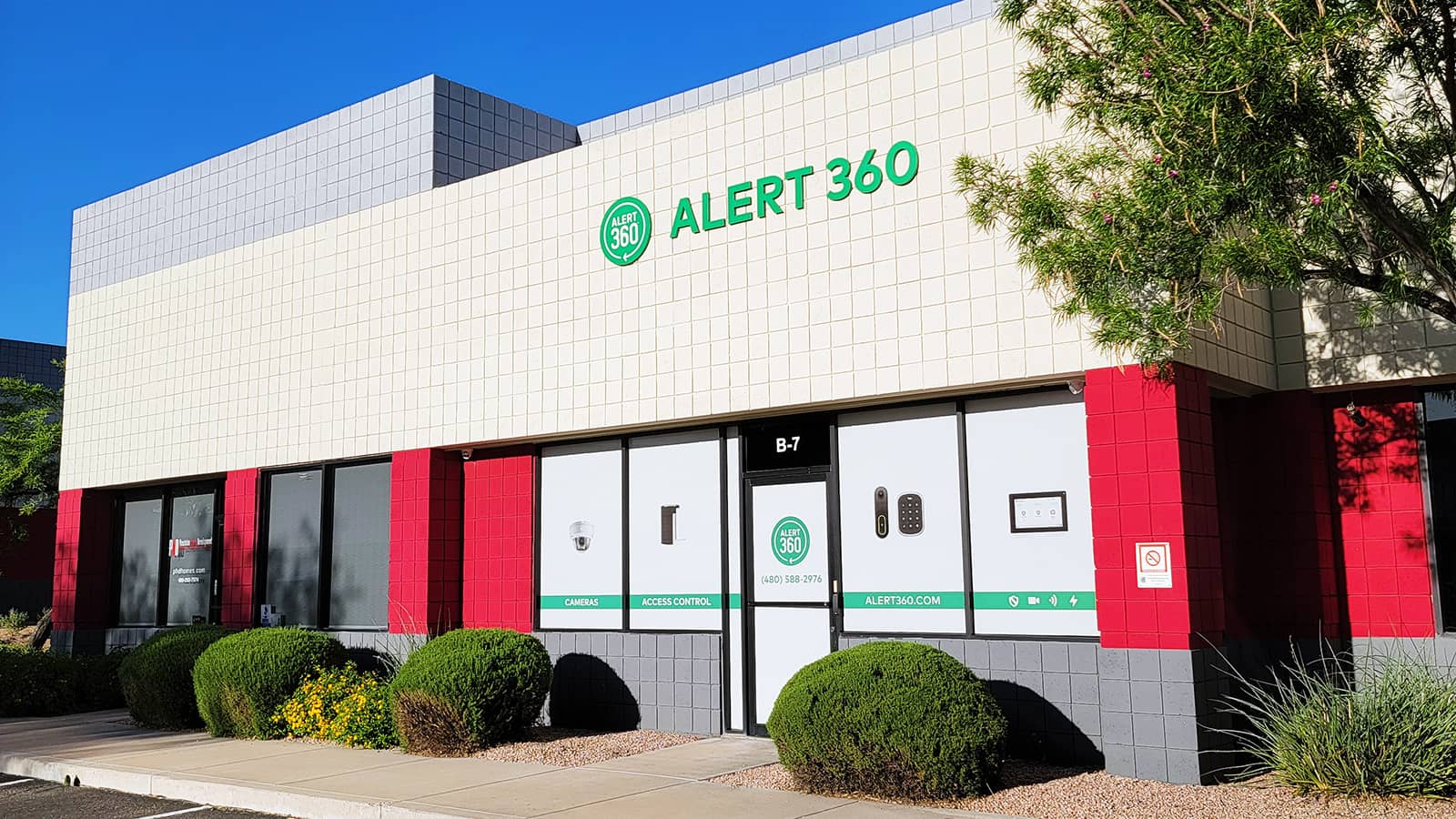
If you manage or own a multi-tenant office building in Phoenix, you already know security is a balancing act. You need to keep the building safe without making it feel like a fortress. You need to accommodate tenants with different hours, different visitor volumes, and different security requirements — all within the same structure.
The answer isn't just cameras or just access control. It's both, working together. Here's how Phoenix's best-managed office properties are doing it.
Why Office Buildings Need Both Cameras AND Access Control
Cameras and access control solve different problems:
- Access control answers: Who went where, and when? It controls physical entry to the building, floors, server rooms, and restricted areas.
- Cameras answer: What actually happened? They provide visual evidence, deter bad behavior, and cover areas where card access doesn't apply (parking lots, lobbies, hallways).
Together, they create a complete picture. When a tenant reports a theft, you can check the access log to see who entered the floor, then pull camera footage to see what happened. One without the other leaves gaps.
Camera Placement for Multi-Tenant Office Buildings
Lobby and Reception
The main entry point needs high-resolution coverage. This is your first line of identification for anyone entering the building. If you have a staffed front desk, position cameras to cover both the desk area and the main entrance.
Parking Garage — Every Level
Parking garages are the #1 location for vehicle break-ins and personal safety incidents in office buildings. Cover every entry/exit lane, elevator lobby, and stairwell entrance. LPR cameras at the garage entrance log every vehicle.
Elevator Lobbies and Stairwells
These are transition points between the building's shared spaces and tenant floors. Cameras here fill the gap between access card logs and in-suite footage that individual tenants may have.
Loading Dock and Service Entrances
Delivery drivers, maintenance crews, and cleaning staff all use service entrances. These areas need cameras and controlled access — ideally with time-restricted credentials that only work during scheduled service windows.
Common Areas
Conference rooms, break rooms, fitness centers, rooftop terraces — any shared amenity space should have camera coverage for liability protection and tenant peace of mind.
Access Control Options for Office Buildings
Key Card / Fob Systems
The industry standard. Tenants get cards programmed for their specific floors and common areas. Easy to manage — when an employee leaves, you deactivate their card in minutes. No rekeying, no chasing down physical keys.
Mobile Credentials
Increasingly popular in Class A office space. Tenants use their smartphones instead of carrying a card. Works via Bluetooth or NFC. Appeals to tech-forward tenants and eliminates the "I forgot my card" problem.
Biometric Access
Fingerprint or facial recognition for high-security areas like server rooms, executive suites, or pharmaceutical offices. Not needed everywhere, but essential for tenants with strict compliance requirements (HIPAA, financial services).
Visitor Management Integration
Modern access systems can issue temporary digital passes to visitors. The tenant pre-registers their guest, who receives a QR code or text with a time-limited credential. No more handwritten sign-in sheets.
Multi-Tenant Considerations
Managing security across multiple tenants adds complexity. Here's what to think about:
- Floor-by-floor isolation — Tenant A's card shouldn't open Tenant B's floor. Seems obvious, but we've seen buildings where every card opens every door.
- After-hours access — Some tenants work 9-5; others run 24/7. Your system needs to accommodate both without compromising building security.
- Tenant turnover — When a tenant moves out, all their credentials need to be deactivated immediately. Automate this if possible.
- Shared conference spaces — Bookable common rooms need access rules that change based on reservations.
- Emergency egress — Access control must never impede emergency evacuation. All exit hardware must be fail-safe (unlock on fire alarm).
What a Typical Office Building System Costs
For a mid-rise (3-7 story) office building in Phoenix:
- Camera system (20-40 cameras + NVR): $15,000-$35,000
- Access control (10-25 doors): $12,000-$30,000
- Integration and installation: $5,000-$10,000
- Monthly monitoring (optional): $200-$500
Total investment for a well-secured building typically runs $35,000-$75,000, depending on building size and complexity. Many property managers build this into operating expenses and pass through to tenants as part of CAM charges.
Get a Building Security Assessment
Every building has unique challenges — floor layouts, tenant mix, parking configurations, existing infrastructure. STG has designed integrated camera + access control systems for office properties across the Phoenix metro area.
Call (480) 343-1325 for a free building security assessment, or visit our commercial security page. We'll walk your property, review your current system, and design an upgrade that works for your building and your budget.
Need Help With Your Project?
Our team has been protecting Arizona properties since 2000. Whether you need a temporary rental or a permanent install, we\'re here to help.