
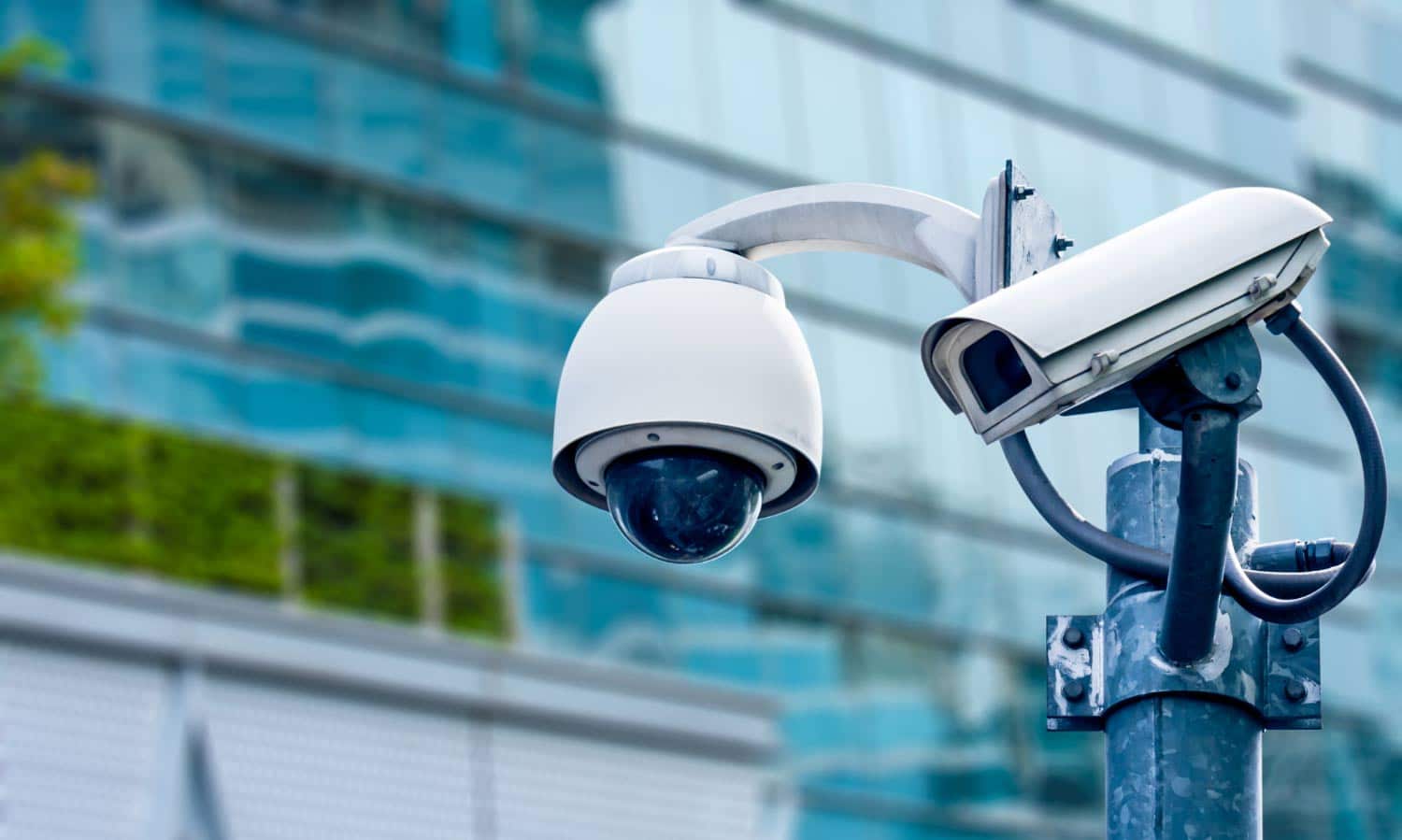
If your Phoenix business is still running analog cameras from 2015, you're watching grainy, useless footage and paying for the privilege. We see it all the time — business owners proudly show us their "security system" and the image quality is so bad you can't tell an employee from a customer, let alone read a license plate.
IP cameras changed everything. And if you're a commercial property owner or manager in Phoenix, this is what you need to know before your next installation.
What Is an IP Camera (And Why Should You Care)?
An IP (Internet Protocol) camera is a digital camera that sends and receives data over a network — just like any other device on your company's network. Unlike analog cameras that send signals over coaxial cable to a DVR, IP cameras transmit high-definition digital video over Ethernet or Wi-Fi.
Why does that matter for your business? Three reasons:
- Resolution. Analog tops out at about 720p on a good day. IP cameras routinely deliver 4K (8MP) or higher. That's the difference between "someone was near the door" and "here's the guy's face, tattoo, and the logo on his shirt."
- Scalability. Adding cameras to an analog system means pulling new coax cable — expensive and disruptive. Adding an IP camera? Plug in one Ethernet cable. Done.
- Intelligence. IP cameras support on-board analytics — motion detection zones, line crossing alerts, facial recognition, license plate reading. Analog cameras just record. IP cameras think.
How IP Camera Installation Works for Commercial Properties
A proper commercial IP camera installation in Phoenix isn't a weekend DIY project. Here's what the process looks like when it's done right:
Step 1: Site Assessment
We walk your property — inside and out — and identify every area that needs coverage. Entry points, parking lots, loading docks, cash handling areas, server rooms, hallways, and the spots you haven't thought about yet (like the dumpster area where employees take unauthorized breaks).
For a typical Phoenix office building, we're looking at 8-16 camera positions. A retail strip center might need 20-30. A standalone warehouse? Usually 10-20, depending on size and layout.
Step 2: Network Infrastructure
This is where IP installations differ most from analog. Your cameras need network connectivity, which means:
- PoE (Power over Ethernet) switches — These send both data and power through a single Ethernet cable. One cable per camera, no separate power runs. This alone saves 30-40% on installation labor.
- Cat6 cabling — We run Cat6 to every camera position. Yes, it costs a bit more than Cat5e, but it future-proofs your system for higher-bandwidth cameras down the road.
- Network segmentation — Your camera traffic should be on its own VLAN, separate from your business network. This is both a security measure and a performance decision — you don't want 16 cameras streaming 4K video on the same network segment as your point-of-sale system.
Step 3: Camera Selection and Mounting
Different areas need different cameras. Here's what we typically recommend for Phoenix commercial properties:
- Exterior entrances: Bullet cameras with IR night vision — visible, weather-rated (IP67), and built for Arizona heat
- Interior common areas: Dome cameras — discreet, vandal-resistant, wide-angle coverage
- Parking lots: PTZ (pan-tilt-zoom) cameras — one PTZ can cover what 3-4 fixed cameras would
- Cash registers / POS: Fixed mini-domes with high resolution — you need detail here, not wide angles
- Loading docks: Bullet cameras with WDR (wide dynamic range) — critical when you've got bright Arizona sun outside and a dark warehouse interior in the same frame
Step 4: NVR Setup and Storage
Your NVR (Network Video Recorder) is the brain of the system. It records, stores, and manages all your camera feeds. For commercial installations, we size NVR storage based on:
- Number of cameras
- Resolution settings (4K uses roughly 4x the storage of 1080p)
- Retention period — most businesses want 30-90 days. Some industries (banking, cannabis) require longer.
- Recording mode — continuous vs. motion-triggered. Motion-triggered saves massive storage but you need to set sensitivity carefully.
A 16-camera system recording at 4K with 30-day retention needs roughly 24-32TB of storage. We always recommend RAID redundancy — losing a hard drive shouldn't mean losing your footage.
Phoenix-Specific Installation Considerations
Installing cameras in Phoenix isn't the same as installing them in Portland. Our climate creates real challenges:
- Heat tolerance: Exterior cameras need to handle 120°F+ surface temperatures in direct Arizona sun. We only install cameras rated for at least -40°F to 140°F operating range. Consumer-grade cameras fail within one summer.
- Sun glare: West-facing cameras get hammered by afternoon sun from October through March. WDR (Wide Dynamic Range) isn't optional here — it's mandatory. Without it, your footage is a white blur for 3 hours every afternoon.
- Dust storms: Haboobs coat camera lenses in fine desert dust. We install cameras with hydrophobic lens coatings and position them under eave overhangs where possible. Regular cleaning schedules are part of every maintenance plan.
- Monsoon season: July through September brings intense rain and wind. Every exterior camera needs IP67 weather rating minimum, and cable penetrations need proper weatherproof sealing.
What Does Commercial IP Camera Installation Cost in Phoenix?
Straight talk on pricing, because we know that's what you're really wondering:
- Small office (4-8 cameras): $3,000 - $8,000 installed
- Retail store (8-16 cameras): $6,000 - $18,000 installed
- Warehouse / industrial (12-24 cameras): $10,000 - $30,000 installed
- Multi-building commercial complex (24-64+ cameras): $25,000 - $75,000+ installed
That includes cameras, NVR, PoE switches, cabling, labor, and configuration. The range depends on camera quality, cable run distances, and whether you need trenching for outdoor runs.
Is it more than analog? Yes, upfront. But the total cost of ownership is actually lower because IP cameras last longer, require less maintenance, and the single-cable PoE installation cuts labor costs significantly.
AI-Powered Features Worth Paying For
Modern IP cameras do things that would've been science fiction five years ago. Here are the features that actually deliver ROI for Phoenix businesses:
- License plate recognition (LPR): Automatically logs every vehicle entering your property. Invaluable for parking management and incident investigation.
- People counting: Know exactly how many customers enter your store, when peak hours are, and which entrances get the most traffic. Retail gold.
- Perimeter intrusion detection: Draw a virtual line on camera — anyone crosses it after hours, you get an instant alert. No more watching hours of footage hoping to find something.
- Loitering detection: Someone hanging around your back door for more than 5 minutes? Automatic alert.
- Heat mapping: See where customers spend the most time in your store. Merchandising teams love this data.
Common Mistakes We See in Phoenix Commercial Installations
- Running cameras on the same network as business operations. Your POS system doesn't need to compete with 16 cameras for bandwidth. Segment your network.
- Cheaping out on exterior cameras. A $50 consumer camera will not survive one Phoenix summer. Spend the money on commercial-grade equipment.
- Forgetting about lighting. IR night vision has limits. Adding a $200 LED fixture at a camera position is worth more than upgrading to a $1,000 camera with better night vision.
- No maintenance plan. Cameras need firmware updates, lens cleaning, and angle adjustments over time. Set it and forget it doesn't work.
- Installing cameras without a plan. "Put cameras everywhere" is not a plan. Start with a threat assessment and cover the critical spots first.
Why IP Over Analog — The Business Case
If your CFO needs convincing, here's the business case in plain English:
- Insurance discounts: Many insurers offer 5-15% premium reductions for verified surveillance systems. On a $20,000/year commercial policy, that's $1,000-$3,000 saved annually.
- Theft reduction: Our commercial clients report 60-80% drops in shrinkage after installation. For a retail business losing $50,000/year to theft, that's real money.
- Liability protection: One slip-and-fall lawsuit avoided by having clear video evidence pays for the entire system multiple times over.
- Operational visibility: Remote access lets you check on your business from anywhere. No more driving to the office at 2 AM because the alarm went off and you can't see what's happening.
Ready to Upgrade Your Commercial Security?
If your Phoenix business is running analog cameras — or worse, no cameras at all — it's time for a proper IP camera installation. We've been installing commercial surveillance systems across the Phoenix metro since 2000, and we've seen what works and what doesn't in this climate.
Schedule a free site assessment and we'll walk your property, design a system that covers every blind spot, and give you a straight quote with no surprises. Or check out our small business security camera guide if you're still in the research phase, or read about warehouse-specific camera systems if that's your facility type.
Call us at (480) 343-1325 — we answer the phone, and we don't do high-pressure sales.
Need Help With Your Project?
Our team has been protecting Arizona properties since 2000. Whether you need a temporary rental or a permanent install, we\'re here to help.