
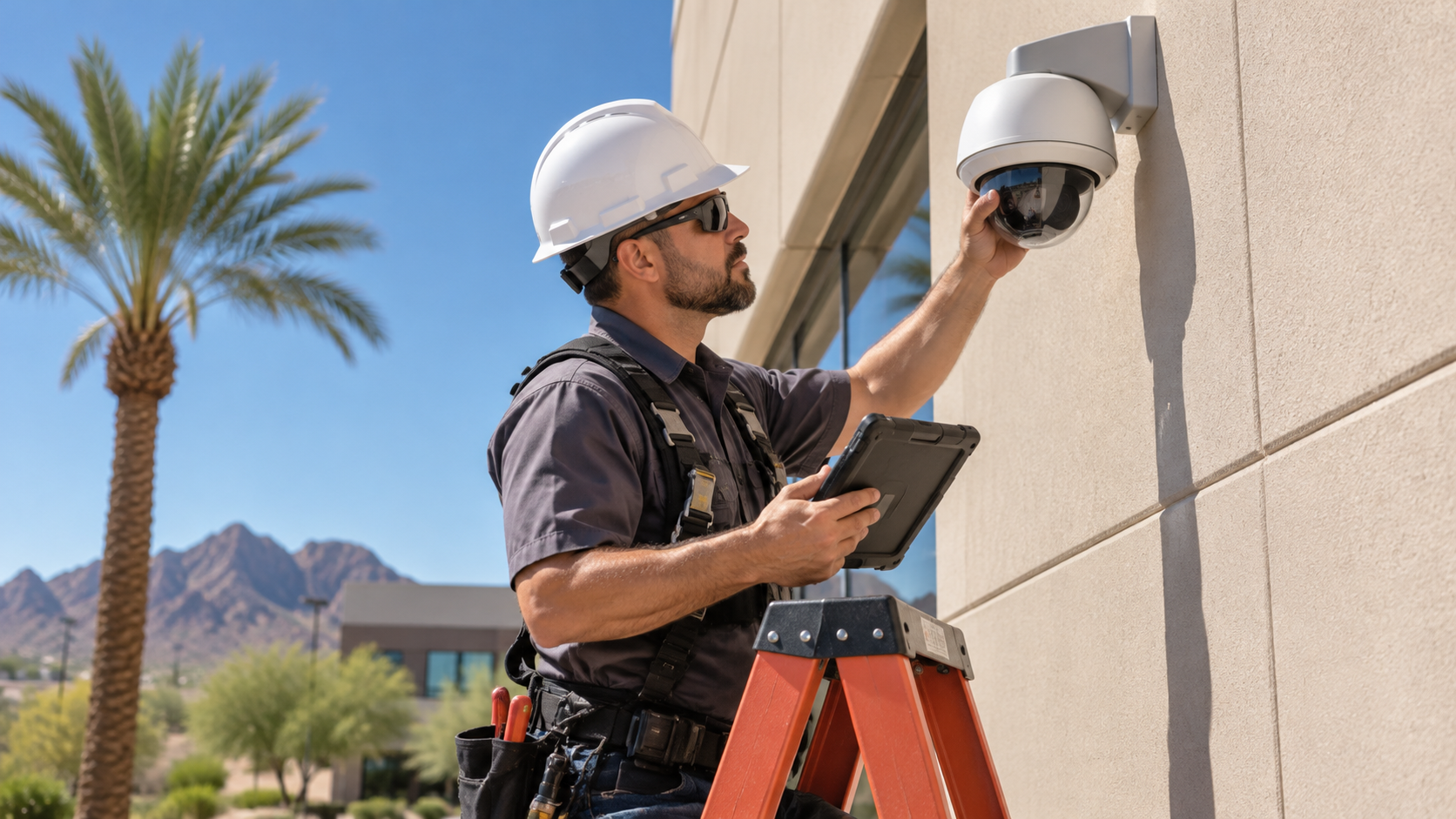
Security Camera Repair in Phoenix, AZ
Fast diagnosis and repair for offline cameras, blurry video, NVR/DVR recording failures, cabling and remote viewing problems.
Quick answer
Standard Technology Group (STG) repairs security camera systems for homes and businesses in Phoenix and across Arizona. Technicians diagnose and fix cameras that are offline or show no video, blurry or dark images, NVRs and DVRs that stop recording, damaged cabling and PoE switches, and broken phone or remote access, including systems installed by other companies. STG has served Arizona since 2000. Call (888) 212-2288 or request service below.
Security Camera Repair Services
Every part of your surveillance system, from the lens to the recorder to the app on your phone.
Offline & No-Video Camera Repair
Diagnose cameras showing "No Signal", "Video Loss" or dropping offline, from failed power supplies and PoE ports to damaged connectors and dead camera boards.
Blurry, Dark or Distorted Image Repair
Fix out-of-focus lenses, failed IR night vision, foggy or sun-damaged domes, color shifts, flicker and rolling lines.
NVR & DVR Repair
Recorders that are not recording, beeping, rebooting or showing HDD errors: hard drive replacement, storage reconfiguration and firmware recovery.
Cabling, PoE & Network Repair
Trace and replace damaged Cat6 or coax runs, failed PoE switches and injectors, bad terminations and IP address conflicts.
Remote Viewing & App Fixes
Restore phone app and remote access after router changes, ISP swaps, expired passwords or port and P2P configuration problems.
Camera Replacement & Upgrades
When a repair is not worth it, swap in compatible replacement cameras or upgrade aging analog systems to modern IP cameras.
Common Security Camera Problems & Fixes
What the symptom usually means and how a technician fixes it.
| Symptom | Likely cause | Typical repair |
|---|---|---|
| Camera shows "No Signal" or "Video Loss" | Power supply, PoE port, cable or connector failure | Test power and cable, re-terminate or replace the run, replace the camera if the board failed |
| Picture is black or grainy at night | Failed IR LEDs, IR-cut filter stuck, or glare off the dome | Clean or replace the dome, repair or replace the camera, adjust exposure settings |
| Image is blurry or foggy | Lens out of focus, moisture inside housing, UV-damaged dome | Refocus, reseal or replace housing, replace dome cover |
| NVR/DVR is not recording | Failed or full hard drive, wrong schedule, corrupted firmware | Replace or reformat the drive, fix recording schedule, update or recover firmware |
| Cameras drop offline randomly | Overloaded PoE budget, heat, IP conflicts, failing switch | Rebalance power, replace switch, assign static IPs, improve ventilation |
| Cannot view cameras on phone | Router or ISP change, P2P disabled, password or app issue | Reconfigure network access and app accounts, update firmware |
| Recorder keeps beeping | HDD error, video loss alarm, or network disconnect | Identify the alarm source and repair the drive, camera or network link |
Why Security Cameras Fail in Arizona
The desert is hard on electronics. These are the conditions we see behind most repairs.
Extreme heat
Summer surface temperatures can push cameras, power supplies and recorders past their rated limits, causing reboots and early component failure.
UV and sun damage
Constant sun yellows and hazes dome covers, degrades cable jackets and cracks housings.
Monsoon storms
Lightning surges, wind and water intrusion during monsoon season are a common cause of sudden camera and switch failures.
Dust and haboobs
Dust storms coat lenses and clog recorder fans, leading to soft images and overheating.
How Our Repair Service Works
A clear, four-step process from your first call to a working system.
- 1
Describe the problem
Call or submit the form with what you are seeing, how many cameras are affected and the equipment brand if you know it.
- 2
On-site diagnosis
A technician tests cameras, cabling, power, the recorder and the network to find the actual fault, not just the symptom.
- 3
Clear recommendation
You get a straightforward explanation of what failed and whether repair or replacement makes more sense.
- 4
Repair & verification
We complete the repair, confirm live view, recording and remote access are working, and walk you through the result.
Repairs for Homes & Businesses
We repair residential camera systems as well as commercial CCTV for offices, warehouses, retail, HOAs and multi-tenant properties. Need new equipment instead? See our business security and residential security installation services, or construction camera rentals.
- IP and analog (HD-TVI / AHD / CVI) cameras
- NVRs, DVRs and hard drives
- PoE switches, injectors and power supplies
- Cat5e/Cat6 and coax cabling
- Mobile app and remote access setup
Repair Service Areas
Security camera repair across the Phoenix metro and Arizona, including:
Frequently Asked Questions
Answers to common questions about security camera repair in Phoenix and Arizona.
Request Security Camera Repair
Tell us what is happening with your system and our team will follow up to schedule service.